
You do not need a paid subscription to see who links to a site. I check backlinks manually most weeks, usually because a client wants a second opinion on a vendor report, or because a link an agency invoiced for never actually went live. It takes about twenty minutes with free sources, and it catches things the exports never show you.
This is the exact routine I use to check backlinks manually: five free sources, the order I go through them in, what each one misses, and the small sheet I keep so the same job is faster next month.
Why check backlinks manually at all
Three reasons keep coming up with my clients. A vendor sends a report and half the links are no longer on the page. A link exists but sits in a block loaded by JavaScript, so it may never be counted. Or a competitor picks up a link that no crawler in your toolset has found yet, and you only see it because someone mentioned it on LinkedIn.
Paid crawlers are still faster for volume work. What they are not is complete, and they are never current. Their index is a snapshot, and on small sites that snapshot can be weeks behind.
Method 1: Search Console, the Links report
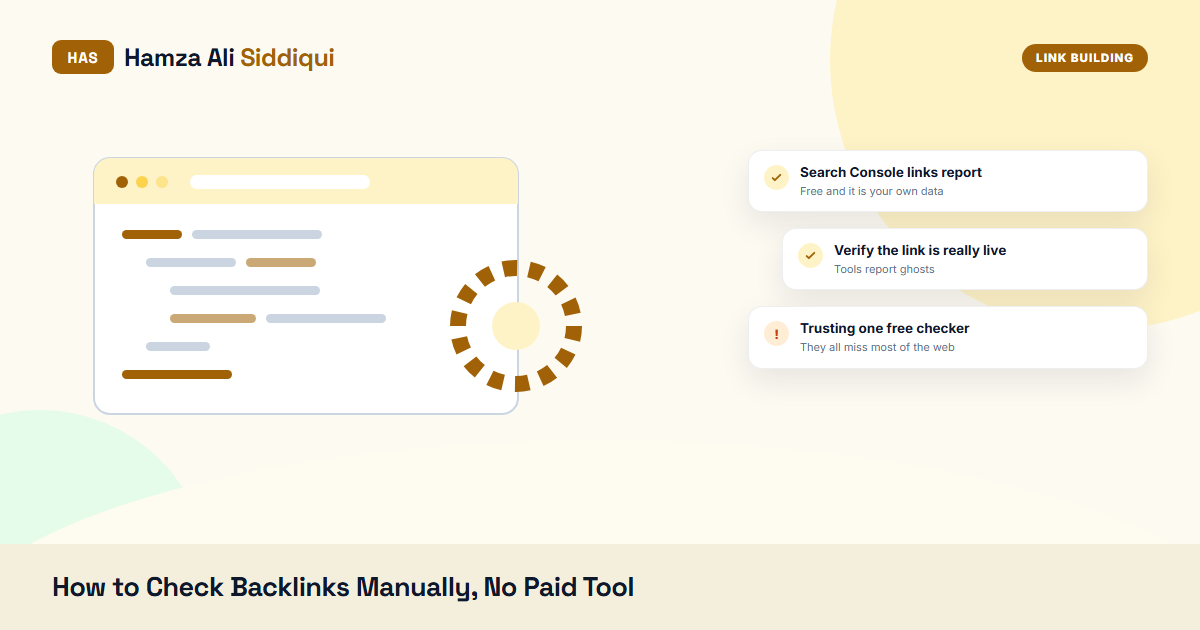
When I check backlinks manually, this is the first place I look, because the data comes from Google rather than a third-party crawler. Open Search Console, then Links in the left menu. You get four panels: top linked pages, top linking sites, top linking text, and internal links.
- Open External links, Top linking sites and click “More” for the full list.
- Export it. The export gives you linking domains and how many pages they link from, not the individual URLs, which trips a lot of people up.
- Click a domain to see which of your pages it links to, then click your page to get the actual linking URLs.
- Open Top linking text last. That is your anchor profile in Google’s own words, for free.
Google spells out the limits of this report on its Links report help page: the sample is capped, data can lag by days, and disavowed links still show. Take the anchor list from here and paste it into my free anchor text ratio checker if you want the exact-match share in one click.
What it misses: whether a link is nofollow, the traffic of the linking site, and anything Google chose not to store. It also covers only your own property, so no competitor research here.
Method 2: Bing Webmaster Tools
Underrated and free, and the fastest way to check backlinks manually on a site you have just taken over. Bing’s backlinks report lists individual source URLs with their anchors, which Search Console will not do in a single view, and it has a similar site comparison so you can point it at two competitors as well as your own domain.
Verify the site once, wait a day for data, then use the Backlinks section. I treat Bing as the second opinion: a domain that shows up in both Bing and Search Console is almost certainly real and crawled.
Method 3: search operators for links and mentions
The old link: operator is dead, so when you check backlinks manually today you lean on ordinary searches. These still work, and they surface things crawlers miss, because they search the live index instead of a link database.
| Search | What it finds |
|---|---|
| “yourbrand” -site:yourdomain.com | Every mention of your brand off your own site, linked and unlinked. |
| “yourdomain.com” -site:yourdomain.com | Pages that print your URL as plain text, which is where naked URL links live. |
| site:competitor.com “guest post by” | Guest posts a competitor published, which are usually part of a link swap. |
| “write for us” plus your niche | Sites that accept contributions, so you can see who already placed a link there. |
| “sponsored by” “your brand” | Sponsorship and footer links you may have forgotten you were paying for. |
Run these with the location set to your main market and read past page one. When I audit a client I usually find two or three unlinked mentions in the first ten minutes, and turning those into links is the cheapest work in the whole plan. The longer version is in my post on unlinked brand mentions.
Method 4: verify each link on the page itself
Of all the ways to check backlinks manually, this is the one people skip, and it is the one that saves money. A link is not a link because a spreadsheet says so. Open the page and check five things.
- Is it in the HTML? Right click, View page source, then search for your domain. If it only appears in the rendered inspector, it is injected by script and may not count.
- What is the rel value? Look for nofollow, sponsored or ugc on the anchor tag. A paid placement marked sponsored passes no ranking credit, which is fine if you bought it for traffic and a problem if you bought it for rankings.
- Where does it point? Paste the href into a redirect checker. Links that run through a tracking redirect or land on a 404 are worth close to nothing.
- Is the page indexed? Search a full sentence from the article in quotes. If Google has no copy of the page, your link is invisible.
- Does the page get visitors? Not every link needs traffic, but a page with none, on a site with none, is usually a site built to sell links.
On one audit last year, 9 of the 22 links a client had paid for failed at least one of these five checks. Two carried a sponsored attribute nobody had mentioned, four sat on pages Google had never indexed, and three had quietly been removed after the invoice was paid.
Method 5: free tiers, used deliberately
Semi-manual, still free. Ahrefs Webmaster Tools gives you the backlink profile of a site you own and have verified, with DR and traffic per referring domain. Moz Link Explorer allows a handful of free queries a month, and those you can point at any domain, competitors included.
My rule: spend the free competitor queries on the two or three rivals whose rankings you actually want, not on a list of twenty. The structured version of that comparison is in my walkthrough of a backlink gap analysis.
How the five methods compare
| Source | Time | Shows source URLs | Works on competitors | Main gap |
|---|---|---|---|---|
| Search Console Links | 5 min | Yes, after two clicks | No | No rel or traffic data |
| Bing Webmaster Tools | 5 min | Yes | Yes, limited | Smaller index than Google |
| Search operators | 10 min | Yes | Yes | Manual reading, no metrics |
| Page-level verification | 2 min per link | Not applicable | Yes | Does not scale past 30 links |
| Free tool tiers | 5 min | Yes | Yes, capped | Query limits |
My 20-minute routine, in order
Order matters more than tools here. This is how I check backlinks manually for a client site, start to finish, without opening a paid dashboard.
- Minutes 0 to 5. Search Console, Top linking sites and Top linking text. Export both. This is the baseline of what Google admits it knows about.
- Minutes 5 to 10. Bing Webmaster Tools, Backlinks. Note any referring domain that Bing has and Google does not, and the other way round.
- Minutes 10 to 15. The five searches from the operator table. Copy anything new into the sheet, including unlinked mentions.
- Minutes 15 to 20. Open the five newest links and run the page-level checks on each one. Newest first, because a link that broke this month is the one you can still get fixed.
Anything older than a quarter I leave for the full audit. Trying to check backlinks manually across an entire five-year profile in one sitting is how people give up on the habit after a week.
The sheet I keep
Whenever I check backlinks manually for the same site twice, the sheet does the comparing for me. Four columns, nothing clever: source URL, target page, anchor, date first seen. Then a fifth column, status, with three values only: live, removed, or nofollow. Checking twenty links against last month’s sheet takes ten minutes, and the difference between the two versions tells you which vendors let placements disappear.
Mistakes I see when people check backlinks manually
- Counting referring pages instead of referring domains. Fifty links from one blog are one vote, not fifty.
- Trusting a screenshot from a vendor. Screenshots are free to fake, live URLs are not.
- Checking once. Links rot. I re-check paid placements at 30, 90 and 180 days.
- Celebrating the link count while ignoring the anchor mix, which is how a page ends up over-optimized and stuck.
When manual checking is not enough
I am not going to pretend this replaces a crawler for every job. If you need to compare 3,000 referring domains against two competitors, or you are pricing a campaign and need DR and traffic on 200 prospects, buy a month of a paid tool and do it properly. The point of learning to check backlinks manually is that you stop depending on one export, and you can verify any single claim in two minutes.
The clients who catch bad placements early are the ones who spot-check. They do not audit everything. They open five links a month, see whether those five are still live and still followed, and ask the vendor about the ones that are not. That habit costs nothing and changes how carefully a supplier treats your account.
If you would rather do this with tools, including which metrics are worth reading and which are noise, I wrote that version up separately in how to check SEO backlinks. And if a report you were sent looks too good, the pricing side of that conversation is in my breakdown of link building packages.
FAQ: how to check backlinks manually
Can I check backlinks manually for free?
Yes. Search Console and Bing Webmaster Tools are free for sites you own, search operators cost nothing, and Ahrefs Webmaster Tools gives free backlink data for a verified site. Money mainly buys you speed and competitor depth.
Does the link: operator still work in Google?
No. Google retired it years ago and whatever it returns now is unreliable. Use a quoted brand or domain search with a minus site: filter for your own domain instead.
How do I know if a backlink is dofollow?
Open the page source and find your link. If the anchor tag has no rel attribute, it is a normal followed link. A rel value of nofollow, sponsored or ugc tells Google to treat it differently.
How often should I check my backlinks?
Monthly while a campaign is running, quarterly otherwise. Paid placements deserve their own check at 30, 90 and 180 days, because that is when they tend to vanish.
Why does Search Console show fewer links than a paid tool?
The report is a sample rather than a full index, and it leaves out links Google considers unimportant. Paid crawlers count everything they find, including links that pass no value, so their numbers look bigger without meaning more.