
Internal linking is the one SEO lever a small website controls completely. You do not need to ask anyone’s permission, you do not need a budget, and on a site with fewer than a hundred pages you can fix the whole thing in an afternoon. Yet it is the most neglected part of nearly every small site I audit: important service pages buried three clicks deep, blog posts that link to nothing, and anchor text that says “click here” forty times. Fixing that alone has moved client pages from page two to page one more times than I can count.
This guide is an internal linking strategy built specifically for small sites: what to link, from where, with what anchor text, and how to keep it working as you add pages.
Why internal links matter more on a small site
Every backlink you earn lands on one page, and internal links are how that authority spreads to the rest of the site. On a large site the sheer number of links smooths things out. On a small site, one well-placed internal link from your most-linked page can be the difference between a service page ranking or not. Internal links also tell Google which pages you think are important, what each page is about (through anchor text), and how your topics relate to each other. Get those three signals right and a small site punches well above its weight.
Step 1: Decide which pages actually need to rank
Most small sites have five to ten pages that make money: the service or product pages, the homepage and maybe a couple of lead-generating guides. Write them down. These are your priority pages, and the whole internal linking strategy exists to push authority towards them. Everything else, the blog posts, the about page, the FAQs, exists partly to support these pages.
Step 2: Find out where your authority currently sits
Open Google Search Console, go to Links, and look at your top internally linked pages and your top externally linked pages. Then check which pages have the most backlinks in Ahrefs Webmaster Tools (free for your own site). Typically the homepage and one or two blog posts hold most of the authority, and your priority pages hold almost none. That imbalance is what you are about to fix.
Step 3: Flatten your structure to three clicks
Every priority page should be reachable within three clicks from the homepage, and ideally one. On a small site that means the main navigation carries your services, the footer carries the rest, and every service page links sideways to its related services. If a page can only be reached through the blog archive or a sitemap, Google treats it as unimportant, and so will visitors.
Step 4: Link from your strongest pages to your priority pages
Take the pages that hold the most authority from Step 2 and add a contextual link from each of them to the relevant priority page, inside the body copy, in a sentence where it helps the reader. A blog post about “how to check SEO backlinks” should link to a link building service page where the text naturally mentions getting help. This one step moves more ranking power than everything else on this list combined.
This step matters even more on a store. Most links an online shop earns land on guides or the homepage, so the internal links from those pages decide whether category pages ever benefit. I walk through that flow in my ecommerce link building guide.
Step 5: Build topic clusters around each priority page
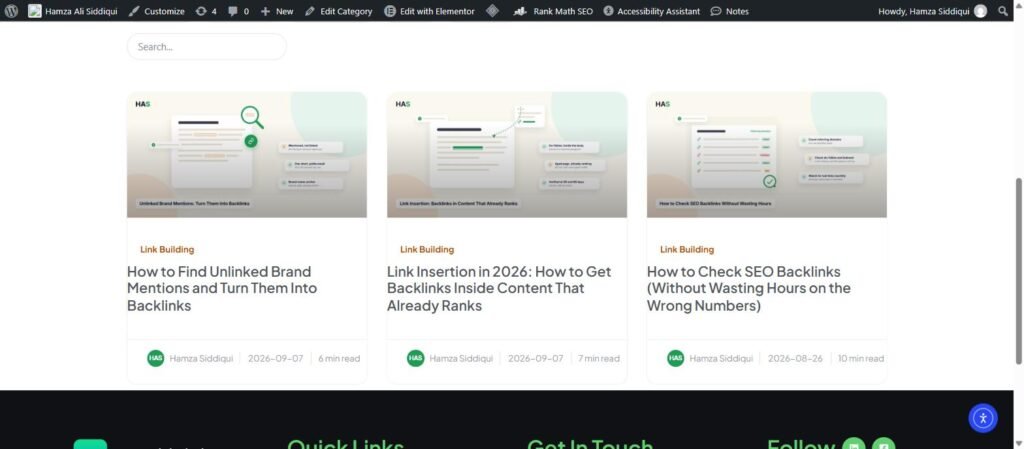
For each service or product, write or gather three to six supporting articles that answer the questions people have before they buy. Each supporting article links up to the priority page, the priority page links down to each article, and the articles link sideways to each other where it makes sense. On this site, my off-page SEO guide, the posts on link insertion and guest posting, and the guide to checking backlinks all point back to the same link building service. That is a cluster, and it is exactly how a small site builds topical authority.
Step 6: Fix your anchor text
- Describe the destination. “our local SEO service” beats “click here” or “this page” every time.
- Vary it naturally. Use the page’s main keyword sometimes, a longer descriptive phrase other times, and the brand or page title occasionally. Identical anchors on every link look mechanical.
- One link per destination per page. Google mostly counts the first anchor it finds on a page, so a second link to the same URL adds little.
- Keep it in the sentence. Links inside paragraphs carry more weight than links in a “related posts” box, though both are worth having.
Step 7: Find and fix the leaks
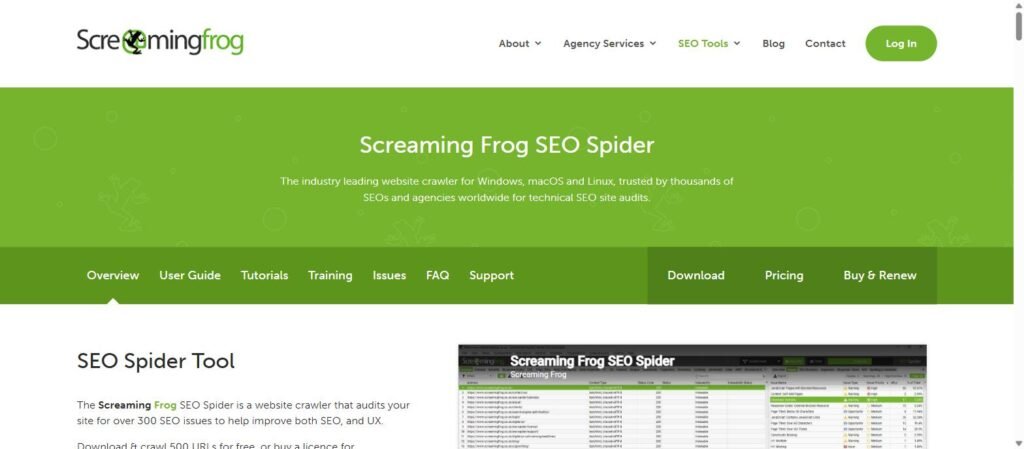
Crawl the site with Screaming Frog (free up to 500 URLs) or the Site Audit in Ahrefs Webmaster Tools. Fix broken internal links, redirect chains, links to redirected URLs, and orphan pages with no internal links at all. Then look at pages with a high inlink count that do not matter, such as a tag archive or a privacy policy in every footer, and make sure they are not outcompeting your service pages for attention. Noindexing thin archive pages is often the right call on a small site.
One leak most audits miss is the rel attribute itself. If your theme or a widget has tagged links to your own pages, read my guide to nofollow internal links and strip them before you add anything new.
Step 8: Make it a habit every time you publish
Every new post needs at least three internal links out (to a priority page and two related articles) and at least two internal links in from existing content. Add a “link in” step to your publishing checklist: search your own site for the new post’s topic, and add a link from the two or three most relevant older articles. It takes ten minutes and it is the difference between a post that ranks and a post that sits orphaned for a year. My on-page SEO checklist includes this as a standing step.
Frequently asked questions about internal linking
How many internal links should a page have?
There is no magic number. Three to ten contextual links in a 1,500-word article is typical. What matters is that every link earns its place by helping the reader and pointing at a page you want to rank.
Do internal links help SEO as much as backlinks?
No, but they are the only way to distribute the authority backlinks bring. A site with strong backlinks and poor internal linking wastes most of what it earned.
Should internal links open in a new tab?
No. Keep them in the same tab. New tabs are for external links, and even then it is a judgment call.
Should I use exact-match anchor text for internal links?
You can use it more freely than for backlinks, since you control it and it is not a spam signal in the same way. Still vary it, because natural variation helps Google understand the page’s full topic rather than a single phrase.
Do footer and navigation links count?
Yes, but less than contextual links in the body. Use them for structure and discoverability, and use body links to pass relevance and authority.
Next step
List your five priority pages, open your three most-linked pages in Search Console, and add one contextual link from each of those to the priority page it relates to. That fifteen-minute exercise is the highest-return SEO task available to most small sites. If you want the full audit, cluster planning and the rest of your on-page work handled, take a look at my SEO services or get in touch.