
By Hamza Siddiqui · 10 min read
On-page SEO is everything you control on a single URL: the title tag, the words on the page, the headings, the links pointing outward, the images, the speed. It is also the part of SEO most people do badly because they treat it as a form to fill in rather than a page to fix. I audit around 30 pages a month for clients, and the same handful of problems show up on nearly every one. This checklist is the exact order I fix them in, ranked by how much each step has actually moved rankings — not by how often it appears in other guides.
What on-page SEO covers (and what it doesn’t)
On-page SEO covers content, HTML elements and page-level experience: title tags, meta descriptions, headings, body copy, URL structure, internal and external links, images, structured data, and Core Web Vitals on that page. It does not cover backlinks, brand mentions or anything happening on other sites — that is off-page SEO. It also does not cover site-wide crawl settings, server configuration or sitemaps, which fall under technical SEO.
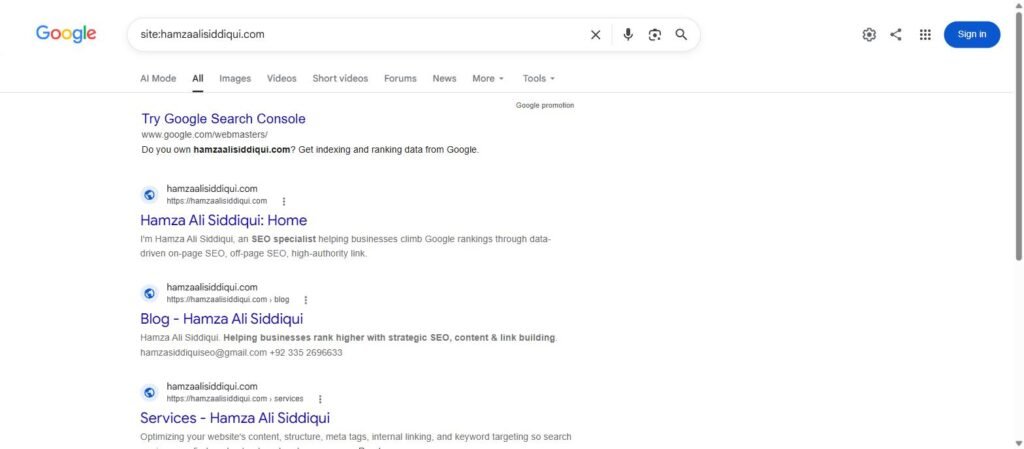
The reason on-page work comes first is simple: it is the only part you can finish this afternoon. A backlink campaign takes months. A title rewrite takes four minutes and Google usually re-crawls the page within a week.
The 12-step on-page SEO checklist, in order of impact
Each step below has a “time to do” and a “typical lift” column based on what I have seen across client pages in the last twelve months. Your numbers will vary, but the order rarely does.
| Step | Time to do | Typical lift |
|---|---|---|
| 1. Match search intent | 15 min research | Highest — can be page 3 to page 1 |
| 2. Rewrite the title tag | 5 min | High — CTR and position |
| 3. Fix the opening 100 words | 10 min | High |
| 4. Restructure headings | 20 min | Medium–high |
| 5. Add internal links in | 15 min | Medium–high |
| 6. Cover the missing subtopics | 1–3 hours | Medium–high |
| 7. Clean the URL | 5 min (+ redirect) | Medium |
| 8. Write the meta description | 5 min | Medium (CTR only) |
| 9. Optimise images | 20 min | Medium (speed + image search) |
| 10. Add schema | 15 min | Low–medium |
| 11. Fix page-level Core Web Vitals | Varies | Low–medium |
| 12. Add external links | 10 min | Low |
1. Match search intent before you touch anything else
Type your target keyword into Google and look at the top five results. Are they guides, product pages, comparison lists, tools? If your page is a 400-word service page and the entire first page is 2,000-word tutorials, no amount of on-page SEO polish will rank it. Rewrite the page to match the dominant format, or pick a different keyword. This single check is where most “we did everything and nothing happened” stories come from.
2. Rewrite the title tag
The title tag is still the strongest on-page signal you can edit. My rules: keyword in the first half, 50–60 characters, one specific promise (a number, a year, a result) and no brand name unless the brand is the reason people click. Compare “SEO Services | Hamza Ali Siddiqui” with “On-Page SEO: The Proven 12-Step Checklist for 2026”. The second one tells Google and the reader exactly what they get.
Google rewrites titles it thinks are misleading or too long. If Search Console shows your page ranking but the SERP shows a different title, that is Google telling you the title missed.
3. Fix the opening 100 words
Your target keyword should appear naturally in the first paragraph, and that paragraph should answer the query directly. Skip the “in today’s fast-paced digital world” opener. If someone searches “on-page SEO checklist”, the first sentence should tell them what on-page SEO is and what the checklist will do. AI Overviews and featured snippets are pulled disproportionately from this opening block, so it matters more now than it did three years ago.
4. Restructure headings so a skimmer gets the whole story
One H1. H2s for each main section, H3s underneath. Read only your headings top to bottom — if they don’t make sense as an outline, neither will the page to Google. Put the keyword or a close variant in at least two H2s, never in all of them.
5. Add internal links pointing into the page
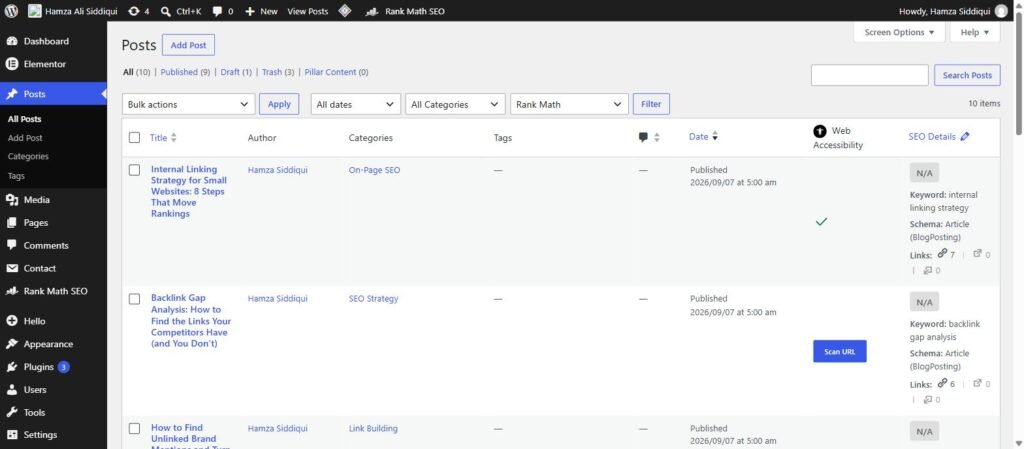
This is the step almost every guide skips, and it is the one that moved rankings most for pages stuck in positions 8–15. Find your five most relevant existing pages, add a contextual sentence in each linking to the target page with a descriptive anchor. Then link out from the target page to two or three related posts. A page nobody on your own site links to looks unimportant. I cover the full method in how to rank your website.
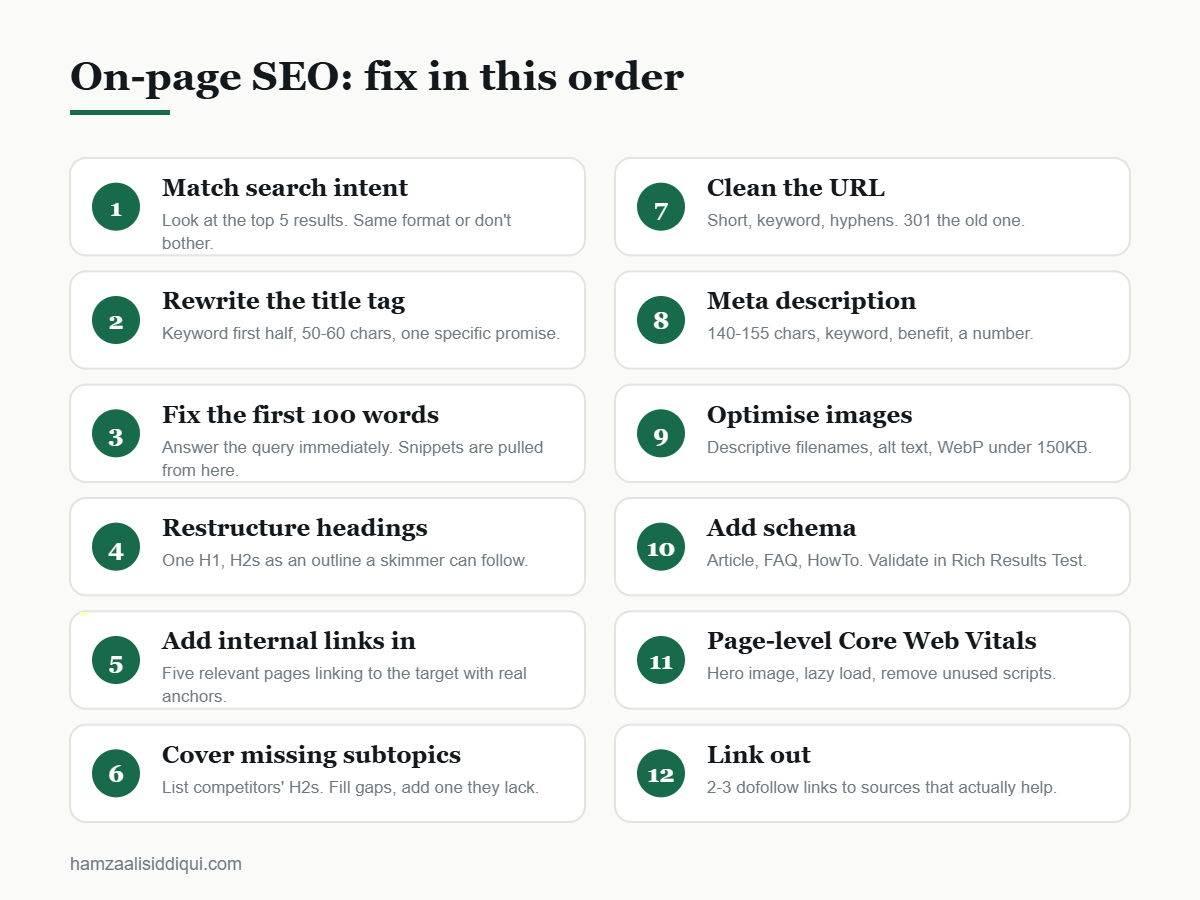
6. Cover the subtopics your competitors cover
Open the three top-ranking pages and list their H2s. Anything they all cover that you don’t is a gap. Add it — properly, not with a two-sentence stub. Then add one section none of them have; that is your reason to rank above them. Tools like Ahrefs’ content gap or Semrush’s SEO Writing Assistant do this faster, but three browser tabs work fine.
7. Clean the URL
Short, lowercase, hyphenated, keyword included, no dates or category folders you will regret: /on-page-seo-checklist/, not /2026/09/blog/the-complete-guide-to-on-page-seo-optimization-for-beginners/. If the page already has links, set a 301 redirect from the old URL.
8. Write a meta description that earns the click
Meta descriptions do not affect rankings directly, but they affect click-through rate, and CTR affects how long you keep a ranking. 140–155 characters, keyword included, a specific benefit, and ideally a number. Google will rewrite it sometimes — that is fine.
9. Optimise images
Descriptive filenames (on-page-seo-checklist.png, not IMG_2041.png), alt text that describes the image and includes the keyword where it fits honestly, WebP format, compressed under 150 KB, and explicit width/height attributes so the layout doesn’t shift while loading. Images are also a second ranking surface: Google Images sends real traffic for visual queries.
10. Add structured data
Article schema for posts, FAQPage for pages with a real FAQ section, HowTo for step-by-step content, Product for product pages. Rank Math and Yoast both handle the basics; use Google’s Rich Results Test to confirm it validates. Schema won’t rank a page that doesn’t deserve to rank, but it wins rich results that increase CTR.
11. Fix page-level Core Web Vitals
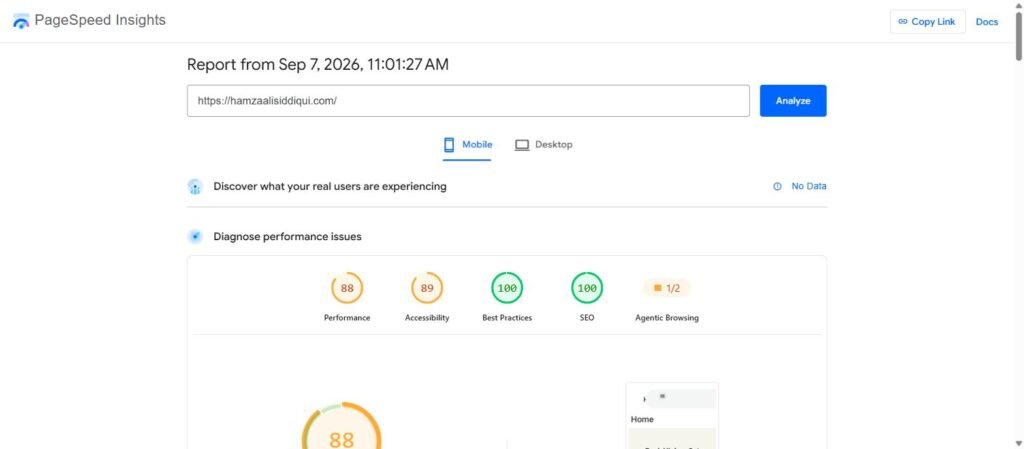
Run the URL through PageSpeed Insights and look at the field data, not the lab score. The three metrics that matter are LCP (loading), INP (responsiveness) and CLS (layout stability). The usual page-level fixes: compress the hero image, lazy-load everything below the fold, remove embedded scripts you don’t need on that page. Site-wide speed problems belong to technical SEO.
12. Link out to genuinely useful sources
Two or three external links to authoritative sources — Google’s own documentation, original research, official tools — signal that your page is part of a real conversation rather than a closed loop. Use dofollow links; nofollow-ing everything looks paranoid and helps nobody. Google’s SEO Starter Guide is a good default citation for basics.
Three on-page SEO mistakes I still see every week
- Keyword density obsession. Rank Math’s 1% target is a guideline, not a law. Write for the reader, then check the number. If it is under 0.5% you probably drifted off topic; if it is over 2% the page reads like a robot.
- Optimising the wrong page. When two of your pages target the same keyword, Google picks one and it is often the weaker one. Check Search Console for cannibalisation before you optimise.
- Treating on-page as a one-off. Pages decay. Set a reminder to revisit every ranking page every six months: update the year, refresh the data, add what competitors added.
On-page SEO vs off-page SEO: which comes first?
On-page, always. Building links to a page that doesn’t match intent is like advertising a shop with an empty window. Get the page right, then send authority to it through guest posting or link insertions. If you would rather have it done for you, that is exactly the sequence my SEO services follow.
Frequently asked questions about on-page SEO
What is on-page SEO in simple terms?
On-page SEO is the work you do on a web page itself — its title, content, headings, links, images and speed — so that search engines understand it and readers find it useful.
What are the most important on-page SEO factors?
Matching search intent, the title tag, the opening paragraph, heading structure, and internal links pointing to the page. Everything else is secondary.
How long does on-page SEO take to show results?
Google typically re-crawls an updated page within one to two weeks. Ranking changes usually appear within two to six weeks for pages that already have some authority.
Is keyword density still a ranking factor?
Not as a direct metric. Google evaluates topical relevance, not a percentage. Use density only as a sanity check that you stayed on topic.
How many internal links should a page have?
There is no fixed number. Aim for at least three to five contextual links out, and make sure at least five relevant pages link in. More matters less than relevance.
Do meta descriptions affect rankings?
No, not directly. They affect click-through rate, which influences how a page performs once it ranks.
Should I use the exact keyword in my H1?
Use the keyword or a natural variation. The H1 should describe the page clearly; exact-match is not required.
What tools do I need for on-page SEO?
Google Search Console (free), PageSpeed Insights (free), and a page-analysis plugin like Rank Math. Ahrefs or Semrush help with competitor gap analysis but are not essential to start.
Next step
Pick one page that ranks between positions 6 and 15 in Search Console. Run it through this checklist top to bottom — it takes about two hours. That page is your fastest possible win, and it will teach you more about on-page SEO than any guide, including this one. If you want a second pair of eyes on it, send me the URL.